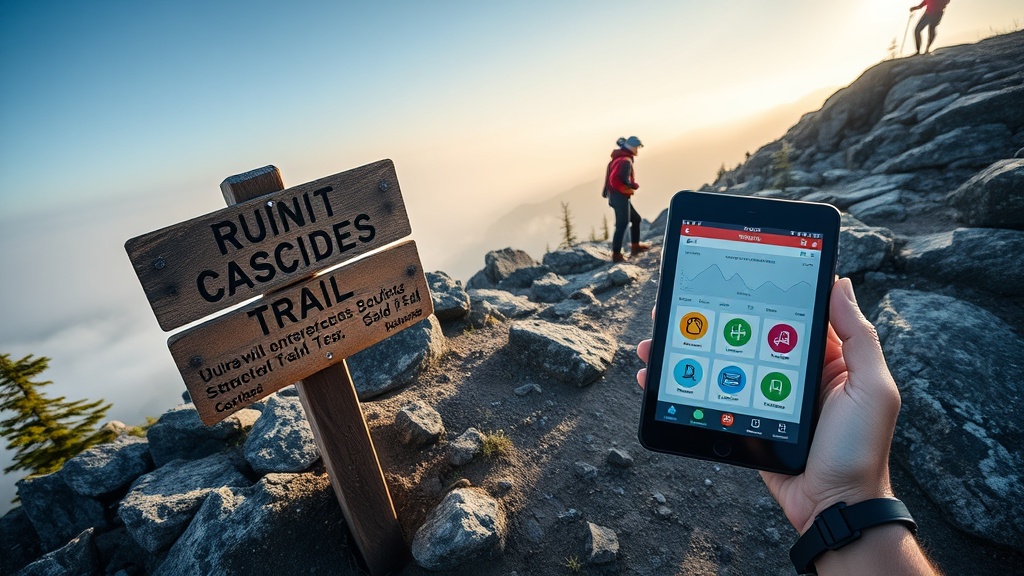
Cascades Trail Apps 2026: Best Offline Maps & Battery Tips

Looking for a reliable trail app that won’t drain your phone before you reach the summit? In the Cascades, where weather flips fast and cell service is spotty, the right app can be a lifesaver.
Why a Trail App Matters More Than Ever in 2026
Every season brings new hazards—late‑season snowmelt, washouts, and evolving permit rules. While my GPS device comparison covered hardware, the software layer decides whether you can actually read that data on the trail. A good app gives you offline maps, real‑time alerts, and battery‑friendly settings—all without the fluff you see on influencer reels.
What to Look for in a Cascades Trail App
- Offline map reliability: Can you download high‑resolution topo layers for the entire Cascades range?
- Battery‑conservation mode: Does the app let you disable background GPS or switch to low‑power tracking?
- Real‑time condition integration: Pulls data from USFS trailhead passes or local ranger alerts.
- Waypoint sharing: Export GPX files to my pre‑dawn safety audit workflow.
- Ease of use: Minimal taps, clear icons—no scrolling through menus while you’re scrambling a ridge.
Top 5 Trail Apps for the Cascades in 2026
1. AllTrails Plus – The All‑Rounder
AllTrails remains the most popular app, and its 2026 Plus tier finally adds true offline map bundles for the Pacific Northwest. The map tiles are crisp enough for route‑line navigation, and the Android and iOS versions let you toggle “Airplane Mode” to lock the offline cache, saving up to 30% battery compared to constant GPS polling.
Pros: Vast trail database, wrong‑turn alerts, easy GPX export.
Cons: Subscription required for offline maps; occasional UI lag on older Android devices.
2. Gaia GPS – The Power User’s Choice
Gaia’s “Low Power Mode” disables Bluetooth and background data, letting you run for up to 12 hours on a 4,000 mAh battery pack. Its offline map catalog includes USGS topo, NOAA marine charts, and the new Cascades‑specific DEM layers released in March 2026.
Pros: Extensive map sources, customizable layers, robust GPX handling.
Cons: Steeper learning curve; premium subscription needed for premium maps.
3. ViewRanger (Now Part of Outdooractive) – The Specialist
ViewRanger’s 2026 update integrates USFS digital trailhead pass data directly into the app, so you see permit‑required sections highlighted in red. Battery‑saving is achieved by a “Smart GPS” toggle that samples location every 30 seconds instead of every second.
Pros: Direct permit alerts, solid offline map storage.
Cons: Smaller community database; UI feels dated.
4. Komoot – The Navigation‑First App
Komoot shines on multi‑day routes. Its “Turn‑by‑Turn Voice” works offline once you download the map, and the app automatically switches to a low‑power mode after 10 km of hiking. The recent “Cascades Highlights” map pack adds curated ridge‑line routes.
Pros: Voice navigation, simple UI, good for bike‑hike hybrids.
Cons: Fewer official trail condition feeds; relies on community reports.
5. Gaia Lite (Free Version) – The No‑Cost Backup
If you’re on a budget, Gaia Lite lets you download one map region for free. Pair it with a cheap power bank and you have a “just‑in‑case” safety net. The app’s battery drain is minimal because it only tracks location when you manually press “Start Tracking.”
Pros: Free, ultra‑low power, solid offline maps for a single region.
Cons: Limited map sources, no real‑time alerts.
Battery‑Saving Tips for Any Trail App
- Download maps before you hit the trail and enable “Airplane Mode” – this forces the phone to rely on GPS only.
- Turn off background app refresh for all non‑essential apps.
- Use a dedicated power bank with at least 10,000 mAh; keep the USB‑C cable in a quick‑access pocket.
- Set the app’s location update interval to the longest comfortable setting (usually 30 seconds).
- Consider a “battery‑saving HUD” overlay that shows only bearing and distance, not the full map.
How These Apps Fit Into My Overall Trail Workflow
When I plan a multi‑day hike, I start with my hardware GPS comparison to pick a rugged receiver. Then I load the route into the chosen app—usually Gaia GPS for its DEM detail. Real‑time alerts from my trail condition data comparison feed directly into the app’s notification panel, letting me adjust on the fly.
Finally, I run the pre‑dawn safety audit checklist to verify water sources, weather, and permit status before stepping out.
Takeaway
Choosing the right trail app is as critical as picking a reliable GPS unit. For Cascades hikers who value data accuracy and battery endurance, Gaia GPS and AllTrails Plus are the front‑runners, with ViewRanger and Komoot offering niche strengths. Keep a power bank handy, download maps in advance, and let the app complement—not replace—your hard‑won logistical planning.